
Animate AI for paintings and illustrations
Hang your artwork in the frame, choose what should move, and get a short clip where the water runs, the clouds drift or the sitter breathes, while the brushwork stays yours. Artwork only: photos of real people are refused.
Quality
Animated with LTX 2.5 Fast by Lightricks
Enough for one 6-second clip at 720p. This setting costs 294 credits. No card needed.
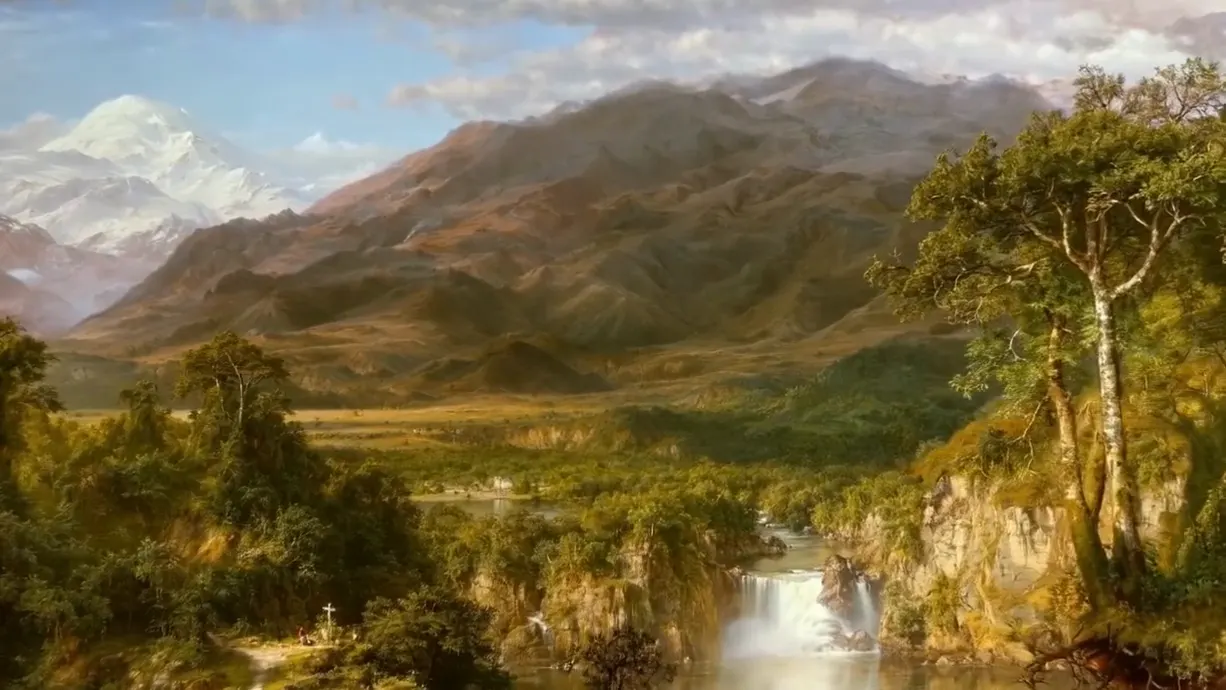
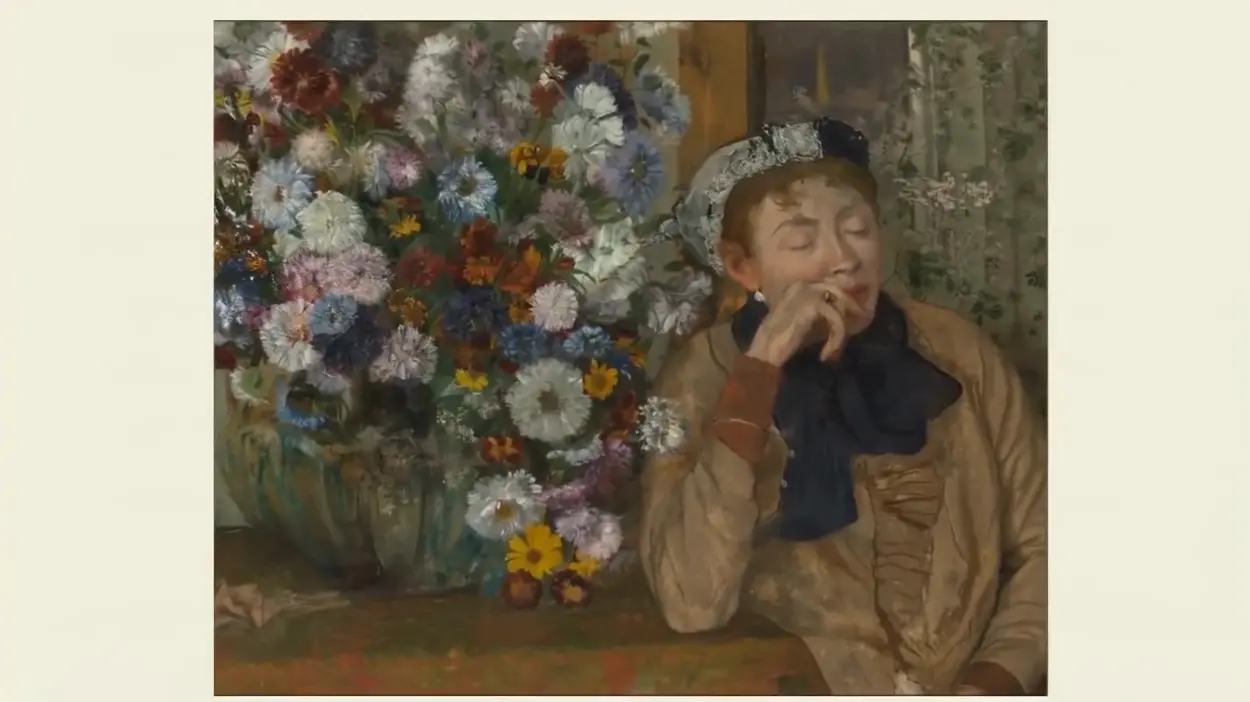
From the studio
Public-domain artworks, brought to life
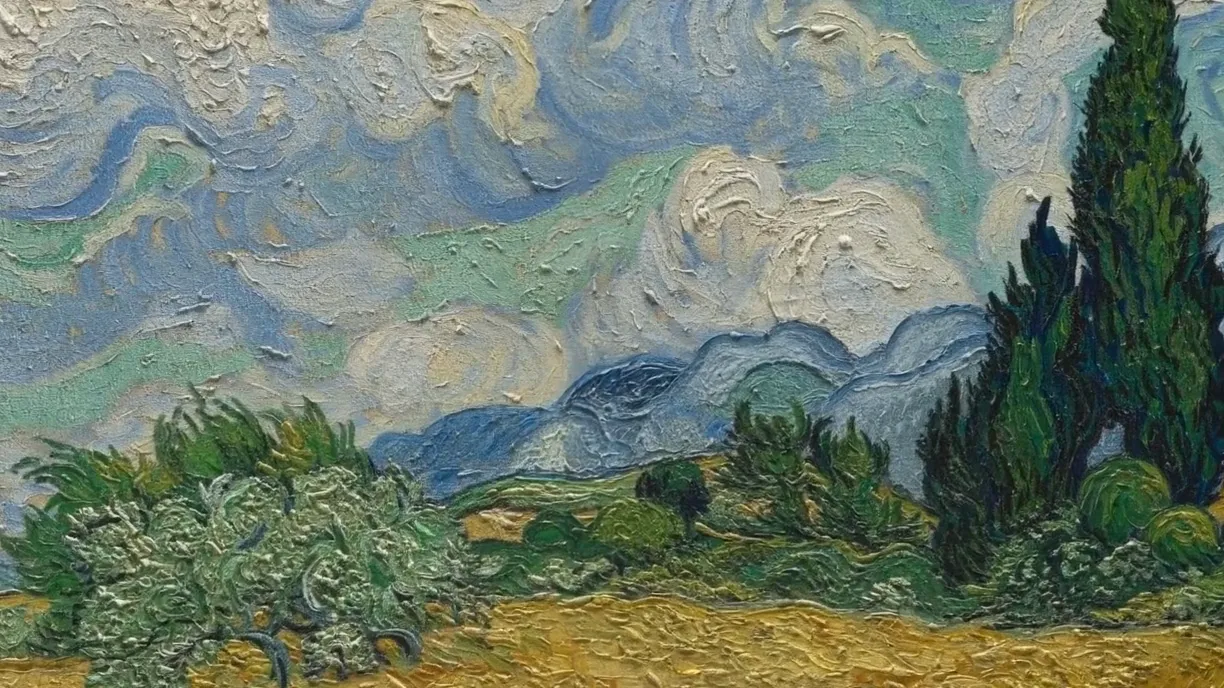
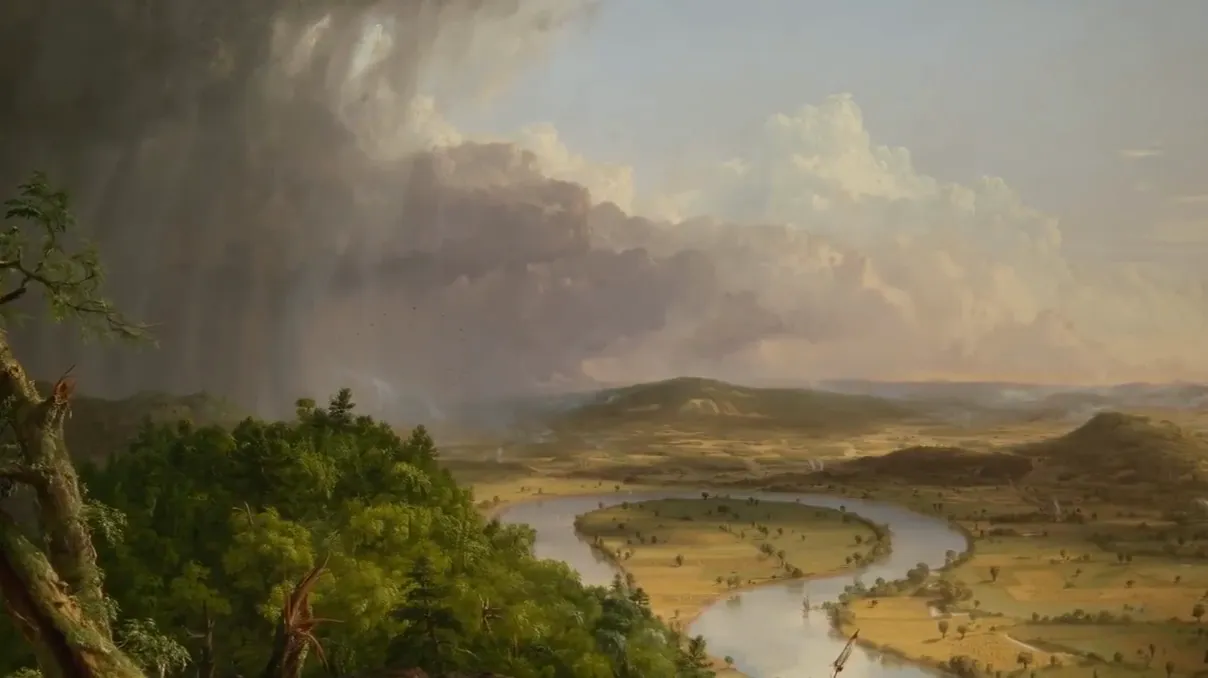
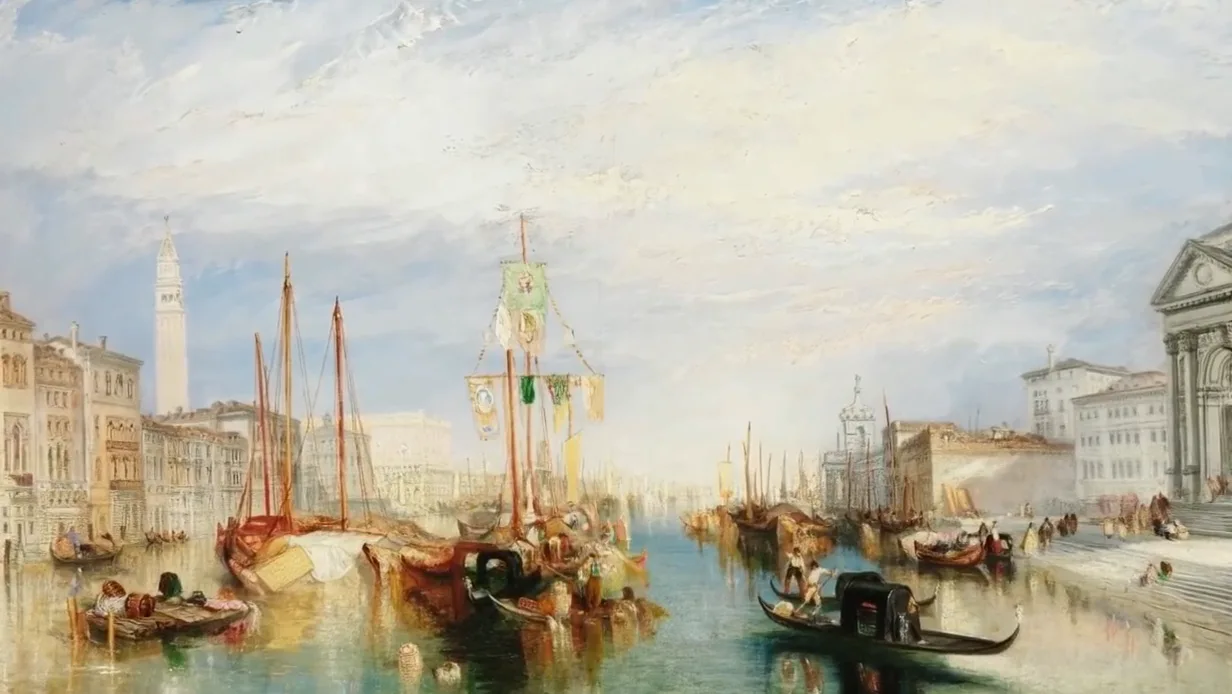
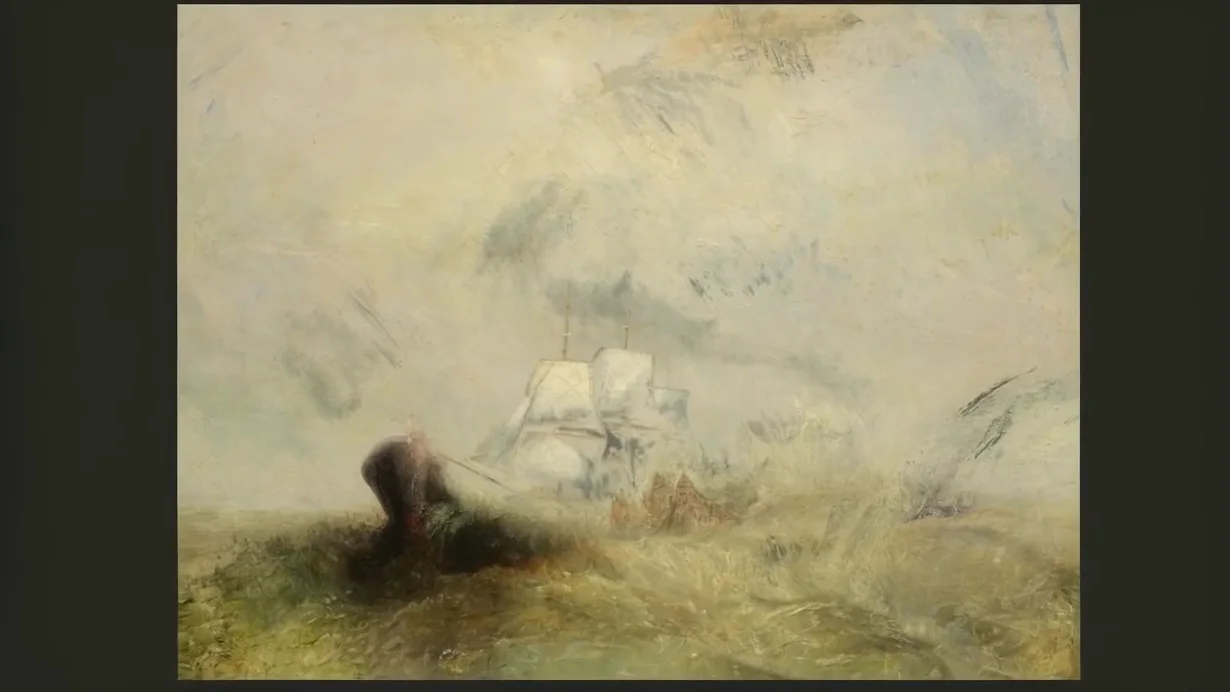
Unretouched clips made with this studio from public-domain paintings and prints. The still is the framed artwork as uploaded.
Who it is for
Made for artwork, not for selfies
The studio only takes paintings, drawings and illustrations, so every recipe is tuned for brushwork, ink and paper rather than for faces from a phone camera.
- 01
Painters and illustrators
Post a finished piece with a few seconds of life in it: a river that runs, a lantern that flickers, a cloak that lifts in the wind.
- 02
Galleries and small museums
Make a moving teaser of a public-domain work for a newsletter, a screen in the lobby or the opening of an exhibition.
- 03
Teachers of art history
Let a class watch the sea in a seascape roll or the smoke in a city scene rise, then talk about how the painter suggested motion.
- 04
Print and card makers
Turn the artwork on a print, poster or greeting card into a short loop for the shop page and social posts.
How it works
From a still artwork to a living one in three steps
Framing and the loop maker run in your browser; only the animation itself uses credits.
- 01
Frame the artwork
Drop a painting or illustration. Pick landscape, portrait or square, keep the whole work on a mat or fill the frame, and choose the mat colour.
- 02
Choose what moves
Pick one of 5 motion recipes and a strength, add your own words if you like, then choose quality and a length of 6 to 10 seconds.
- 03
Download or loop it
In about a minute the clip plays in the frame. Download the MP4, or let the free loop maker blend its end into its start.
Working with an assistant? Animate artworks from Claude or ChatGPT with the MCP server
Motion recipes
Tell the painting what should move
Each recipe asks the model for one kind of motion and to keep the colours, the brushwork and the composition as they are.
Breeze
Leaves, grass, hair and fabric stir as if a light wind passed through the scene. Good for landscapes, gardens and figures outdoors.
Water
Waves roll, rivers run and reflections ripple. Good for seascapes, harbours, ponds and rain.
Sky
Clouds drift, light shifts across the land, smoke and mist rise. Good for wide skies, city views and quiet interiors with a window.
Living portrait
A painted or drawn figure blinks, breathes and turns a little. Only for painted and illustrated people, never photographs.
Camera drift
The artwork stays still and the view slowly pushes in, like walking up to the canvas. Good for detailed scenes and prints.
The whole artwork, framed before upload
Your artwork is placed on a 16:9, 9:16 or 1:1 frame in the browser before upload, and the preview is the clip's first frame. As the clip plays, the motion can ease in toward the artwork, so keep signatures and borders clear of the edges.
A free loop maker
After a clip finishes, the browser can crossfade its last moments into its first, so it plays forever without a jump. No credits used.
Credits
What a second of motion costs
Clips are priced per second and shown on the button before anything runs. Fast is LTX 2.5 Fast and Gallery is LTX 2.5 Pro, both made by Lightricks.
Framing, previews and the loop maker run in your browser and cost nothing. A clip that fails returns its credits on its own.
| Quality | Per second | 6-second clip | 10-second clip |
|---|---|---|---|
| Fast 720pLTX 2.5 Fast | 49 | 294 | 490 |
| Fast 1080pLTX 2.5 Fast | 71 | 426 | 710 |
| Gallery 1080pLTX 2.5 Pro | 92 | 552 | 920 |
Honest limits
What the studio will not do well
Artwork only
Each upload is checked. Photographs of real people, and images of well-known real people, are refused before any credits are spent.
Hands, text and fine lines
Lettering, signatures, hands and very fine linework can blur or shift as things move. Gentle strength keeps them steadier.
A few seconds, not a film
Clips run 6 to 10 seconds with one kind of motion. Story, cuts and dialogue are not what this is for.
No sound
Clips are silent. Add music or ambience in your editor or on the platform you post to.
Pricing
Plans sized by how many seconds you animate
Animate on a plan that renews monthly or yearly, share one credit pool across team seats, or buy a pack once. Confirm your email and 294 free credits arrive once, enough for one 6-second clip.
Stop any time · money back within 21 days
Salon Hang
PopularFor illustrators who post living versions every week
$23.19$19.33/mo
Billed annually at $231.90
6,060 credits a month
≈ 123 seconds at Fast 720p (20 short clips)
or ≈ 85 seconds at Fast 1080p
- Included: Every quality, recipe and clip length
- Included: Four artworks rendering at a time
- Included: API keys and MCP for animating from your own scripts
No card to start: confirm your email and 294 credits are added once, enough for 1 clip of 6 seconds at 720p. They never expire.
Changed your mind? An order can be refunded while no more than 10% of its credits are spent: within 7 days for a monthly plan, 21 for an annual plan and 14 for a pack.
Questions people ask before animating an artwork
What is animateai.art?
animateai.art is a browser studio that turns a painting, drawing or illustration into a short video clip. You frame the artwork, pick a motion recipe such as Water or Sky, and an image-to-video model animates it while keeping the style of the original.
Can I try it for free?
Yes. Confirm your email and 294 credits are added once, enough for 1 clip of 6 seconds at 720p. They never expire, and no card is needed.
What does a clip cost?
Fast 720p costs 49 credits a second, Fast 1080p 71 and Gallery 1080p 92. A 6-second Fast 720p clip is 294 credits; a 10-second Gallery clip is 920.
Can I animate a photo of a person?
No. The studio is for paintings, drawings and illustrations only. Every upload is checked, and photographs of real people or images of well-known real people are refused before you are charged.
Which AI models does it use?
Fast quality runs LTX 2.5 Fast and Gallery quality runs LTX 2.5 Pro, both made by Lightricks. animateai.art is independent and is not affiliated with or endorsed by Lightricks.
Will my painting be cropped?
Your upload is cropped only if you choose Fill. With Mat, the whole artwork sits on a coloured mat inside a 16:9, 9:16 or 1:1 frame, and the preview shows the clip's first frame. As the clip plays, the motion can ease in toward the artwork, so the mat and the outer edge may slip out of view by the last second.
How do I make a seamless loop?
Tick Ends where it starts before you animate, then press Make seamless loop when the clip is done. The browser crossfades the end into the start and gives you a file to download, for free.
Which artworks can I upload?
Your own work, works you are licensed to use, and public-domain works. Do not upload artwork you have no right to adapt; you remain responsible for what you post.
Who can see my clips?
Only you, and members of your team workspace if you use one. There is no public gallery. You can delete any clip from My clips at any time.
What happens if a clip fails?
Its credits go back to your balance on their own, and the studio tells you what went wrong so you can try again.
Billing, privacy and removing your artwork and account are covered on the help page
Updated
Ready to see your artwork move?
Frame one painting, pick a recipe and watch it come alive before you decide on a plan.